
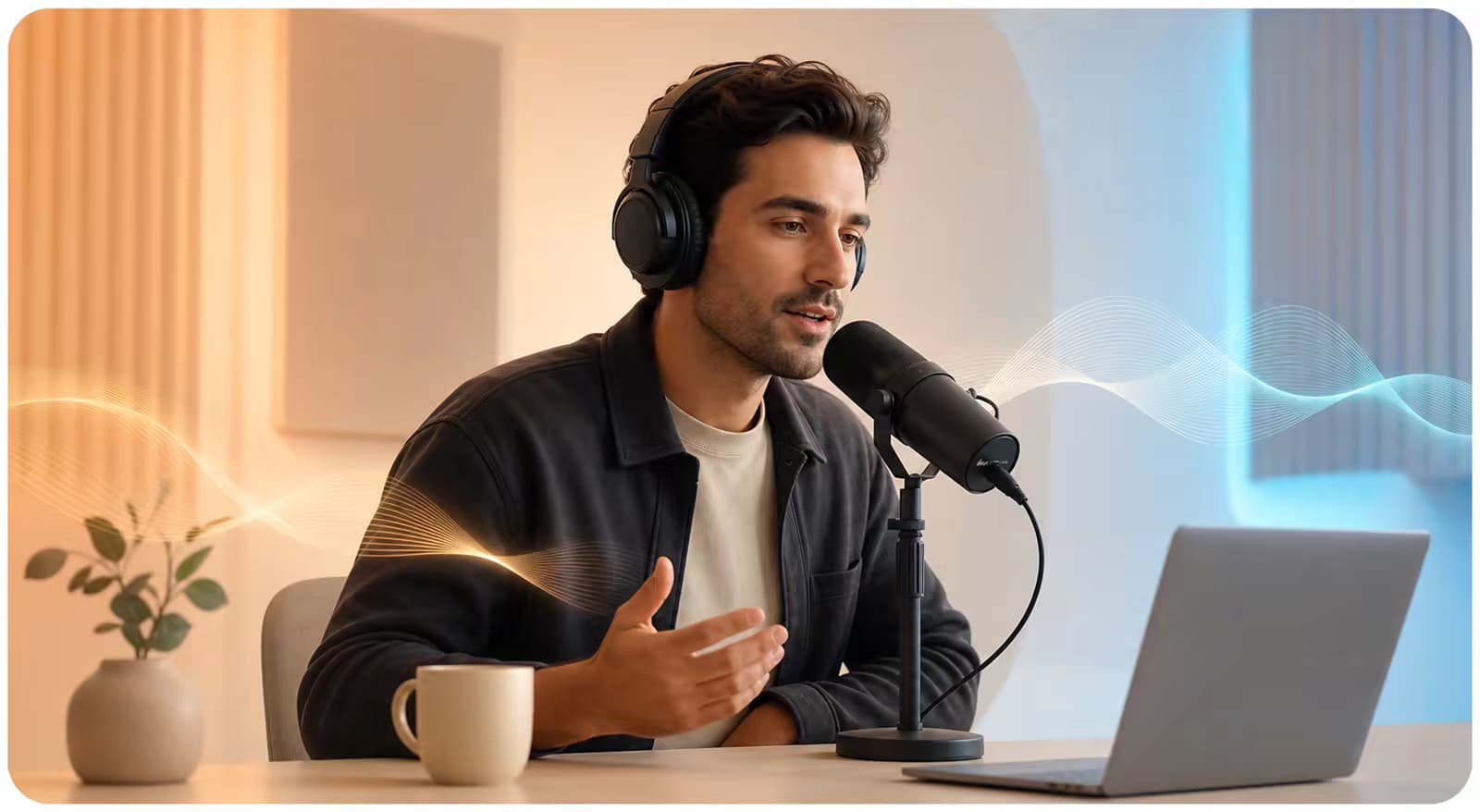
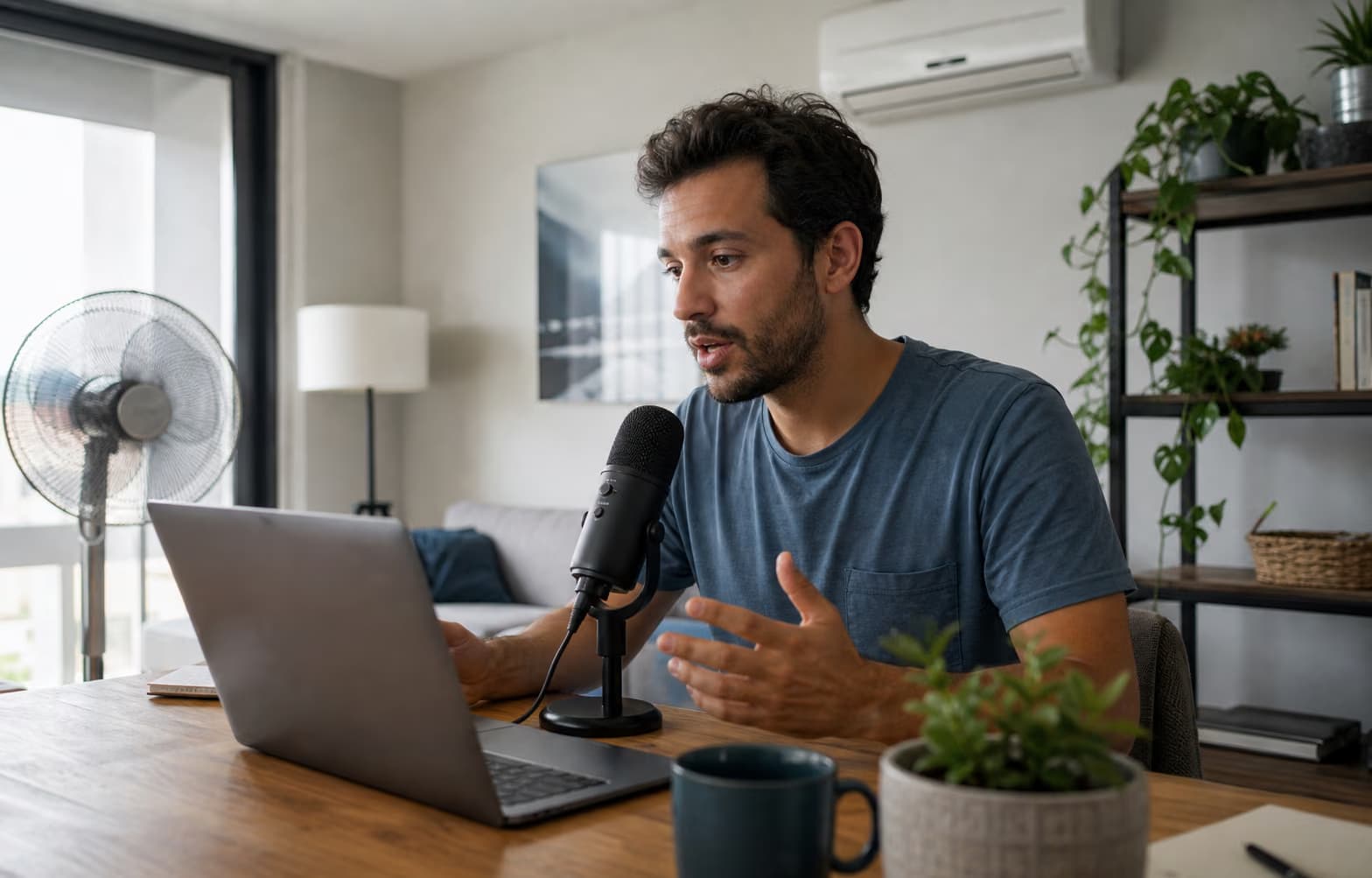
Remote speaker recording near a fan and air conditioner

CHOOSE BY PROBLEM

Use noise removal when the interference matters more than the recording format

A podcast, voiceover, or phone memo may all contain the same fan, HVAC, hiss, hum, or steady traffic wash. In that case, start with Background Noise Remover. If the concern is a source-specific workflow—remote guests, narration quality control, or private phone files—open the matching page instead. The AI Audio Enhancement Tools do not separate overlapping speakers or reconstruct words fully covered by noise.

  • Continuous noise is a stronger target than sudden impacts
  • Understandable speech must still exist in the source
  • Choose a source page for specialized quality checks
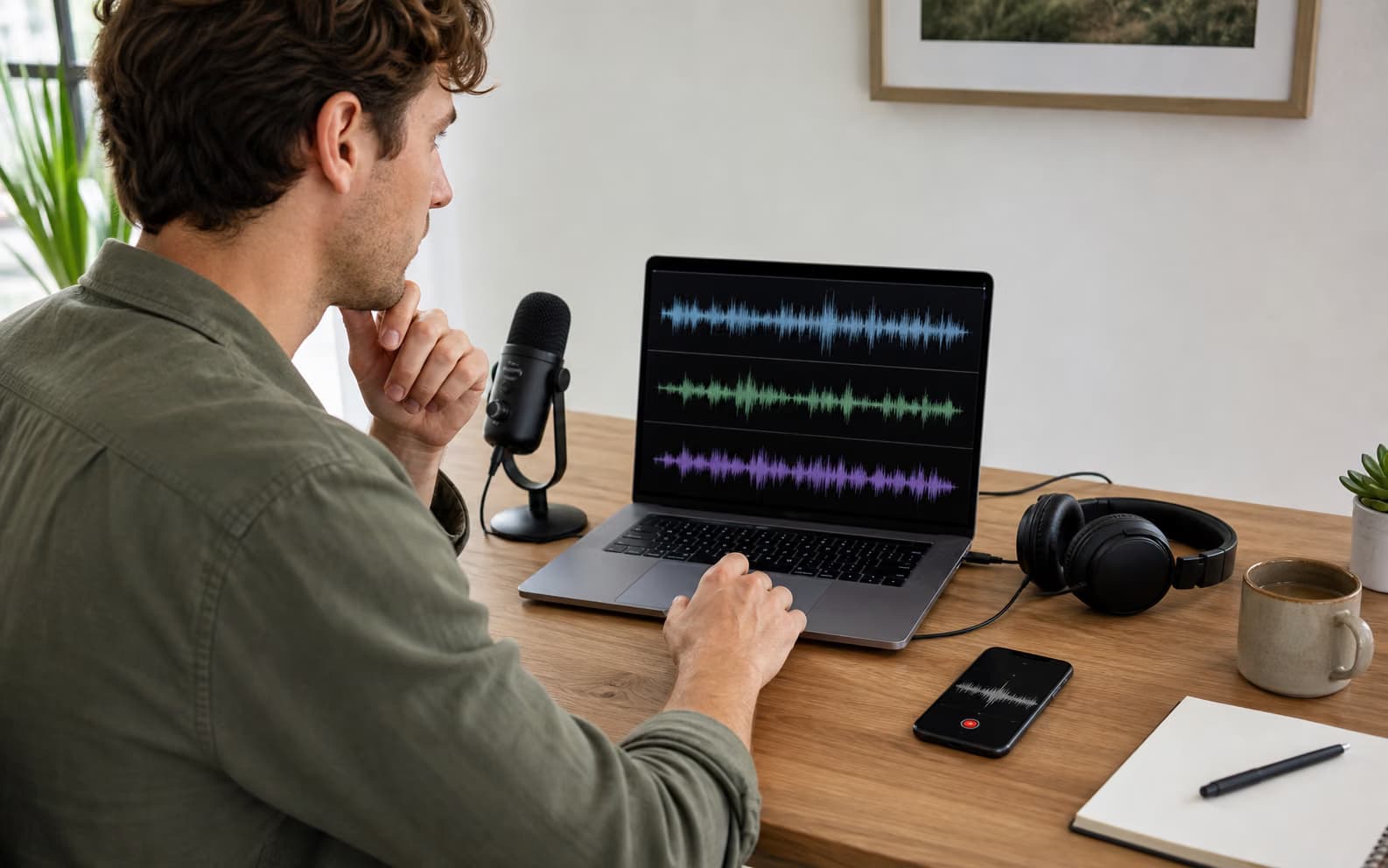
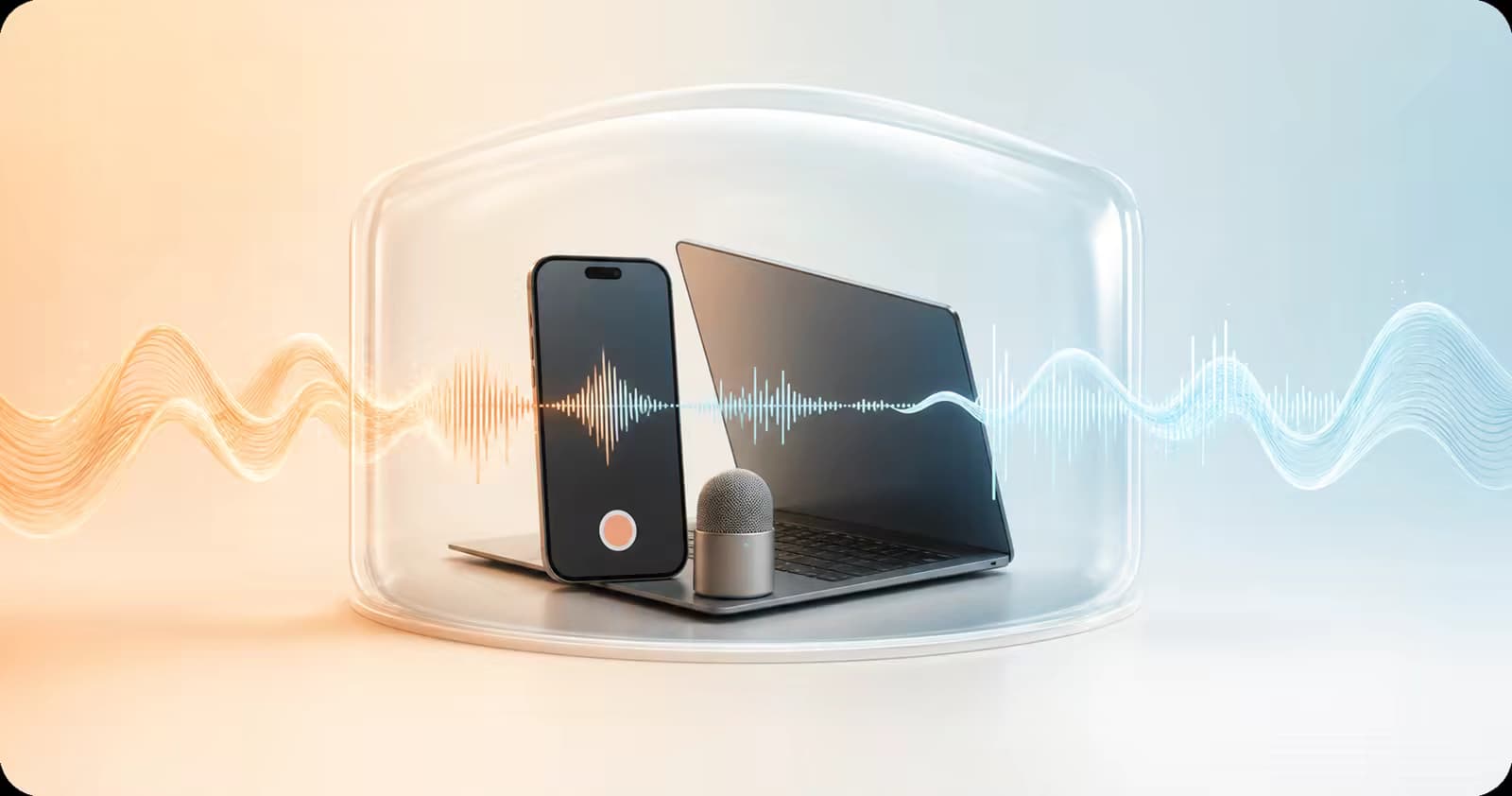
Person preparing a phone recording for local audio enhancement

CHOOSE BY PRIVACY AND LENGTH

Test locally first, then move only long files to cloud processing

Every workflow offers a free browser mode for up to 10 minutes with no signup. That local test is useful for sensitive samples and for checking whether consonants and vocal identity remain natural. Pro uses cloud processing, supports any audio duration up to 300 MB, and adds a higher-quality speech enhancement stage. Failed Pro jobs automatically restore the deducted processing time.

  • Free: local denoise up to 10 minutes
  • Pro: no duration limit within 300 MB
  • Always compare original and enhanced playback
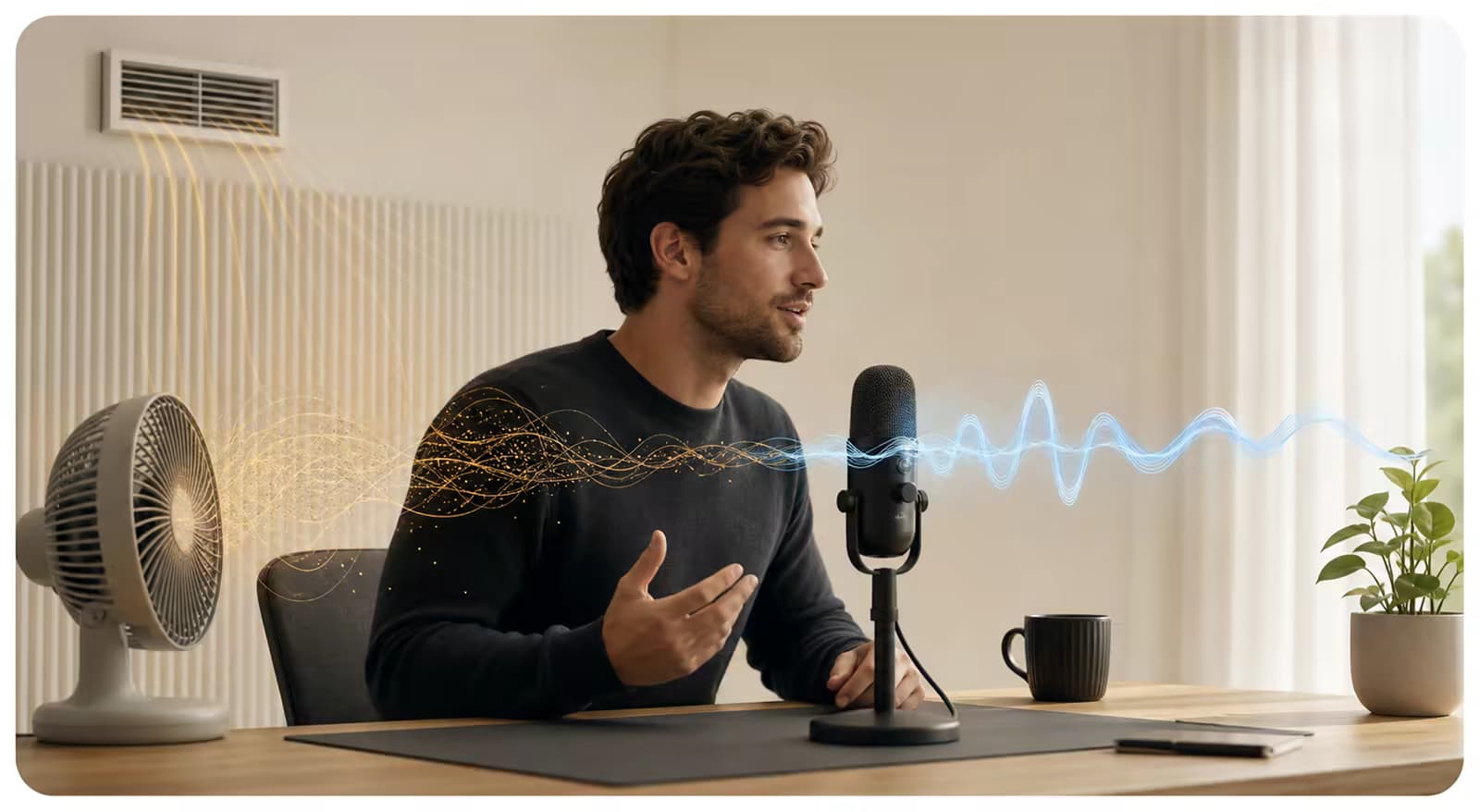
Creator comparing podcast microphone, phone memo, and voice recording sources

CHOOSE BY OUTPUT

Use speech enhancement for cleanup—not for every audio post-production task

The AI Audio Enhancement Tools improve recorded speech and reduce steady interference. Choose another workflow when the actual goal is speaker separation, transcript editing, music mastering, target LUFS, or voice generation. Matching the job before upload prevents an audio enhancer from being judged against a result it was never designed to produce.

  • Speech cleanup: use an enhancer or noise remover
  • Speaker separation and transcription need different tools
  • Loudness delivery still needs measurement and mastering

Free or Pro audio enhancement

The processing choice changes privacy, length, and enhancement quality—not the purpose of the tool.

Free
Local browser denoise · up to 10 minutes · no signup
Pro
Cloud denoise and speech enhancement · no duration limit · up to 300 MB
Input and output
MP3, WAV, M4A, or AAC in · original comparison · enhanced WAV out
Billing
One-time processing-time packs · no subscription · failed jobs restore time

AI Audio Enhancement Tools FAQ

Which audio enhancement tool should I choose?
Choose Background Noise Remover for steady interference, AI Voice Enhancer for general spoken audio, Podcast Audio Enhancer for episodes and guest tracks, Voiceover Audio Enhancer for narration, or Voice Memo Enhancer for phone recordings.
Do these tools use different enhancement models?
They share the same speech-focused processing modes. Each page adds source-specific instructions, expectations, and checks so you can use the engine appropriately for that recording.
Are the free AI Audio Enhancement Tools private?
Free mode runs files up to 10 minutes in the browser without signup. Pro sends the audio to cloud processing, so choose free mode when a sensitive sample must stay on the device.
Is there a Pro audio duration limit?
No. Pro accepts any audio duration as long as each MP3, WAV, M4A, or AAC upload is no larger than 300 MB.
Can the tools remove every kind of noise?
No. Steady fan, HVAC, hiss, hum, room tone, and traffic wash are better candidates than sudden impacts or noise that completely covers a word. Test a difficult passage first.
Do the tools edit podcasts or master voiceovers?
They denoise and enhance speech. They do not remove filler words, repair every mouth click, separate speakers, set a LUFS target, clone a voice, or replace timeline editing.
What file formats and output are supported?
Upload MP3, WAV, M4A, or AAC. Compare the original and enhanced result in the browser, then download the enhanced audio as WAV.

Start with the right recording workflow

Choose a workflow above, test a difficult excerpt, and move to Pro only when the result stays natural.

About these AI Audio Enhancement Tools

The AI Audio Enhancement Tools are a focused collection for cleaning speech in general recordings, podcasts, voiceovers, background-noise cases, and phone voice memos. Free processing runs locally for up to 10 minutes. Pro cloud processing has no audio duration limit within a 300 MB file, combines denoising with higher-quality speech enhancement, and restores processing time when a job fails. Choose a specialized page for practical source guidance; the tools do not replace multitrack editing, transcription review, voice generation, or loudness mastering.