Voiceover Audio EnhancerKeep your delivery, improve the recording

Use the Voiceover Audio Enhancer to reduce steady background noise and improve spoken-word quality without changing the script or replacing your voice. Test up to 10 minutes privately in your browser, or use Pro for any audio duration up to 300 MB.
Natural Voice — Not a Voice ChangerFree 10-Minute Local TestNo Pro Duration Limit

Run the Voiceover Audio Enhancer

MP3, WAV, M4A, AAC — free up to 10 minutes

Free Browser Test

Choose a voiceover audio file to begin

On-device Preview

Voiceover Audio Enhancer preview

Speech denoising and voice-quality enhancement

Speech-focused model

Choose a voiceover audio file to begin

Reduce noise

Enhance speech

Export WAV

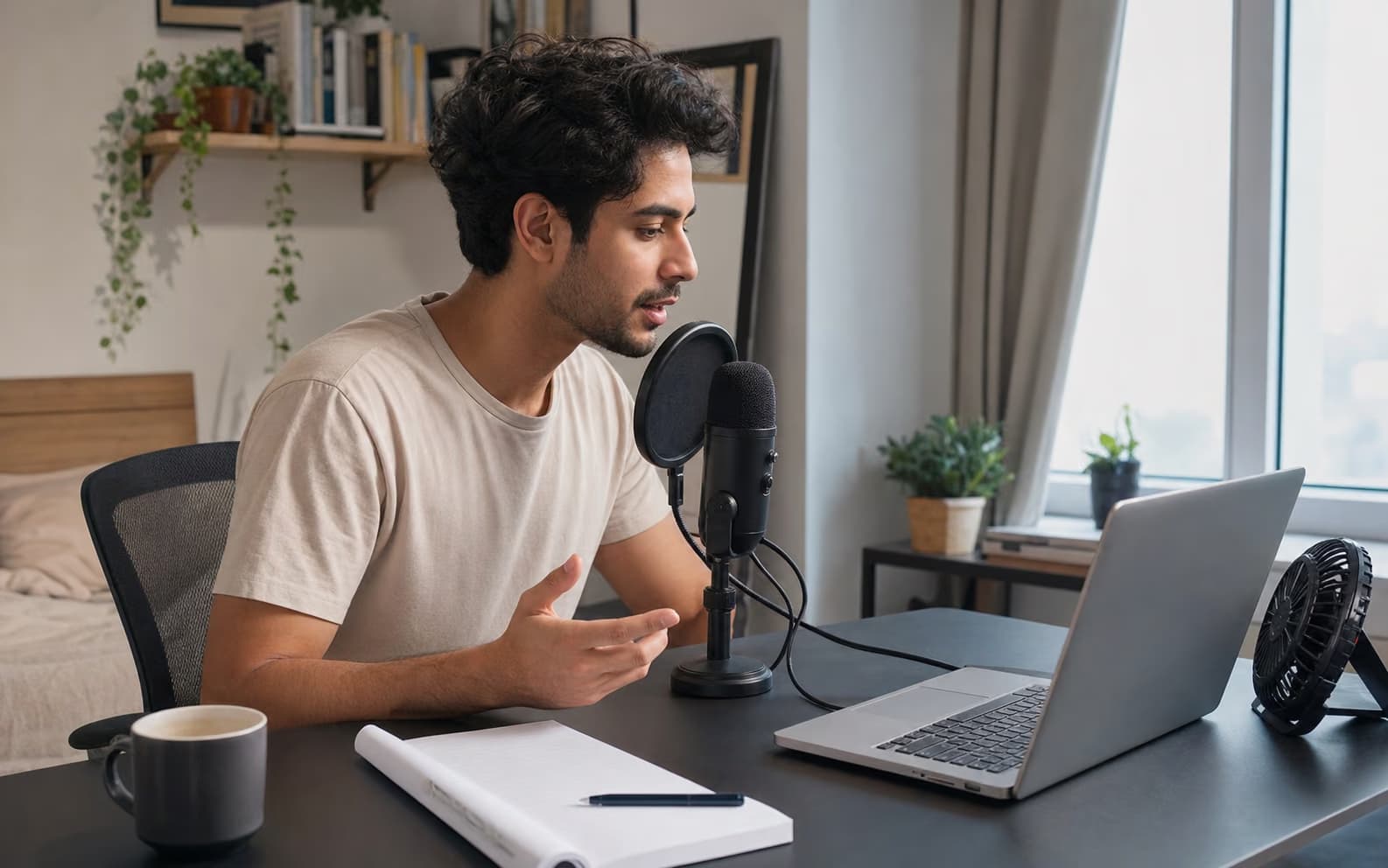
Narrator recording a voiceover near a laptop and desk fan

HOME-STUDIO NOISE

Rescue a useful take recorded beside a computer fan

A strong read can still carry fan noise, microphone hiss, or a steady room floor. The Voiceover Audio Enhancer targets that continuous interference while retaining the speaker's timing and performance. Record the cleanest source possible: clipped peaks, distant speech, and heavy room echo leave less real information to recover.

  • Useful for steady fan, hiss, hum, and HVAC noise
  • Preserves the recorded performance and words
  • Cannot reconstruct heavily clipped or missing speech
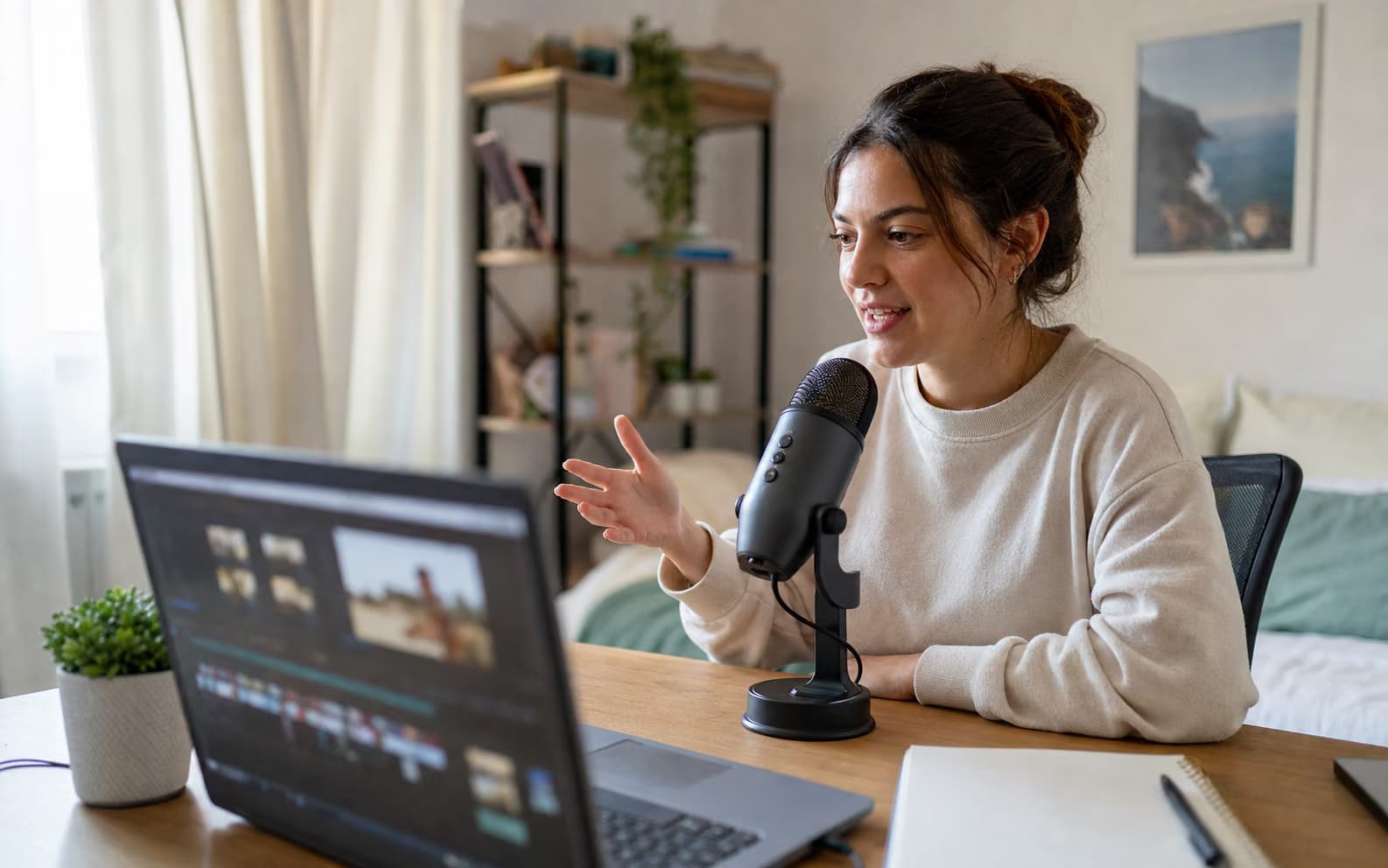
Creator recording an explainer voiceover with a USB microphone

VIDEO VOICEOVER QUALITY

Make an explainer voiceover sound more professional without rebuilding the room

A useful narration take may come from a USB microphone in a bedroom office rather than a treated booth. The Voiceover Audio Enhancer can reduce the steady computer and room noise beneath that performance, then improve perceptual speech quality. It gives creators searching for how to make voiceover sound better a focused cleanup step before the narration returns to the video timeline.

  • Useful for explainers, tutorials, ads, and product videos
  • Keep the original wording, timing, and delivery
  • Export WAV for the video editing and mastering stage
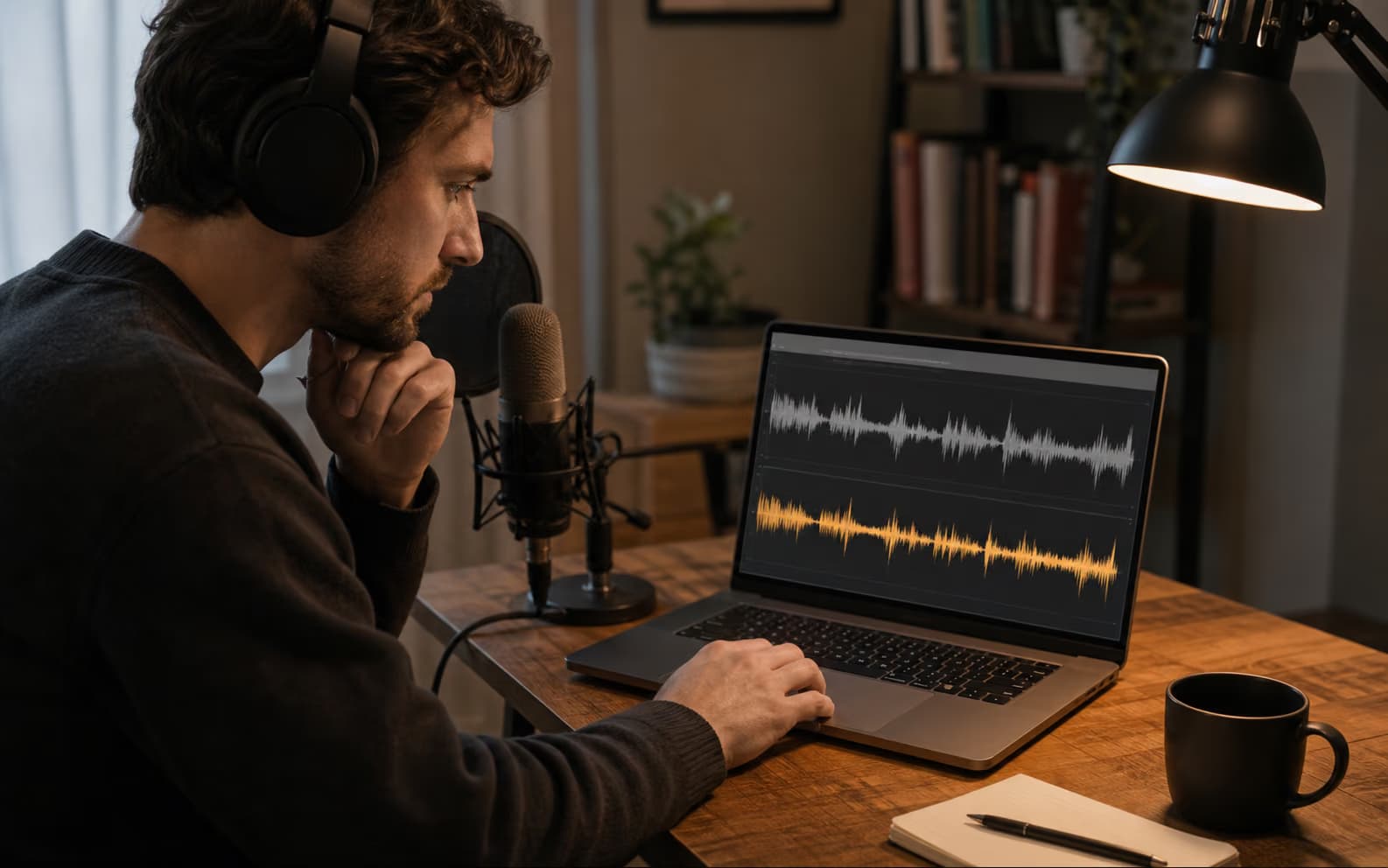
Voiceover artist comparing original and enhanced narration waveforms

QUALITY CONTROL

Judge consonants and vocal identity before processing every chapter

Enhancement that is too aggressive can make S sounds metallic or smooth away natural texture. Run a free 5–10 minute sample containing quiet delivery, plosives, sibilants, and breaths. Compare both players on headphones. When the voice remains believable, use Pro for the complete narration with no duration limit.

  • Test the hardest passage locally first
  • Listen on headphones for sibilance and artifacts
  • Process any Pro duration up to the 300 MB file limit
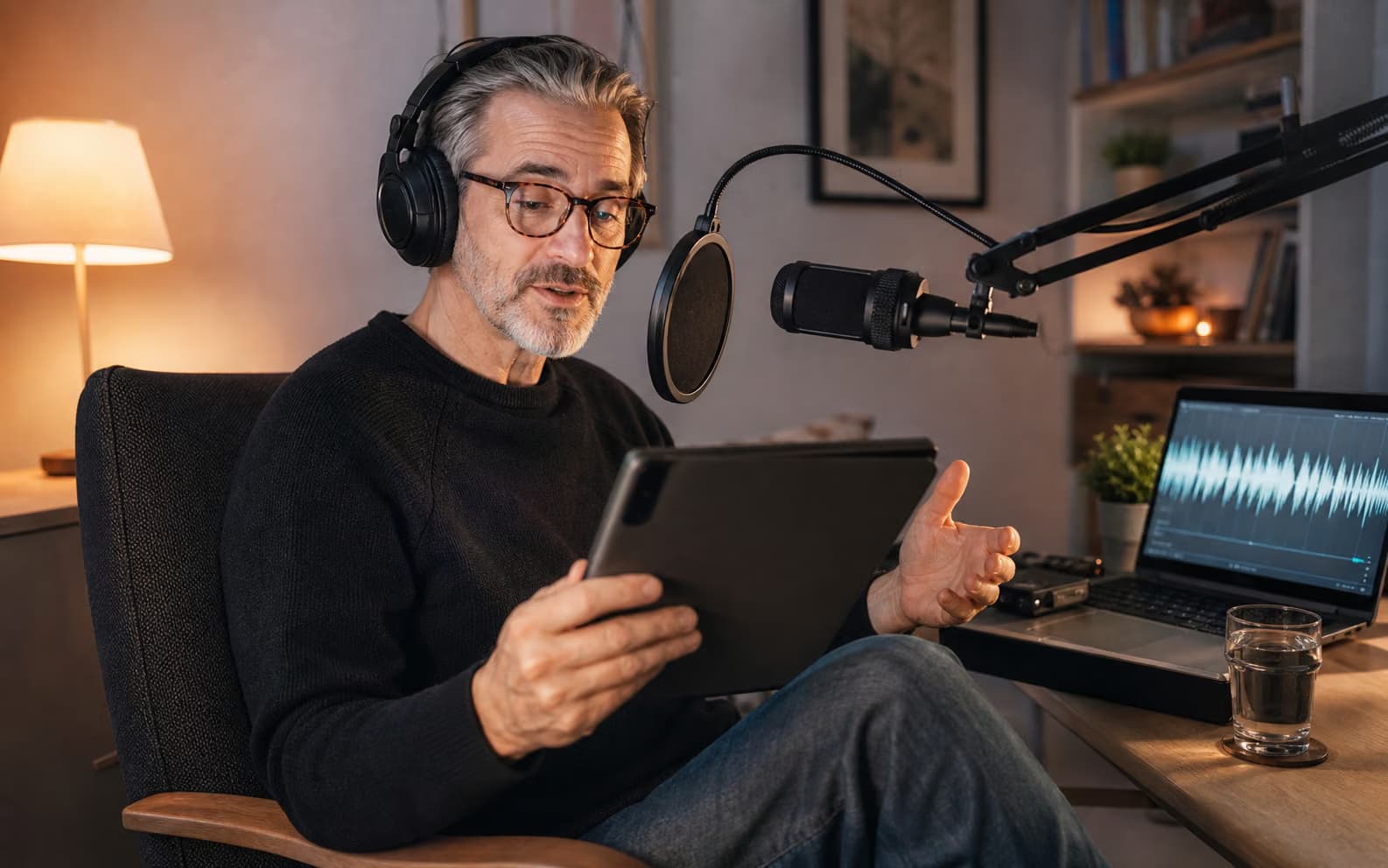
Audiobook narrator recording a long chapter at home

AUDIOBOOKS AND COURSES

Process long-form narration without an audio duration ceiling

Audiobooks, course lessons, meditations, and training narration often run far beyond a short demo. Pro Voiceover Audio Enhancer jobs have no audio duration limit as long as each uploaded file stays within 300 MB. Test one demanding chapter locally first, then process the long recording in the background and download a WAV for chapter editing or final loudness mastering.

  • No Pro audio duration limit
  • Background processing for long narration
  • Failed cloud jobs restore deducted processing time

What the Voiceover Audio Enhancer fixes

The Voiceover Audio Enhancer is designed for captured narration, especially recordings made outside a treated booth.

Fan, HVAC, hiss, and room tone

Reduce continuous noise beneath an understandable voice from laptops, air conditioners, preamps, and untreated rooms.

Thin or muffled narration

Pro can improve perceptual speech quality, restore some recording distortion, and extend speech bandwidth.

Before-and-after listening

Compare the original and enhanced take before downloading so you can catch metallic sibilants or an unnatural vocal texture.

Long-form voiceover

Pro has no audio duration limit; audiobooks and course narration can be any length when each upload stays within 300 MB.

Before you enhance a voiceover recording

The essential input, privacy, and processing limits in one place.

Strong input
Understandable narration beneath steady fan, HVAC, hiss, hum, or room noise
Free
Up to 10 minutes · local browser denoise · no signup
Pro
No audio duration limit · cloud enhancement · up to 300 MB
Not included
Script editing, mouth-click repair, voice replacement, or final LUFS mastering

Narration problems to send here — and problems to edit elsewhere

A Voiceover Audio Enhancer improves recorded speech quality; it does not rewrite or fully master a production.

Strong narration inputs

  • The narration is understandable beneath steady noise or room tone
  • The recording sounds thin, muffled, or bandwidth-limited without severe clipping
  • You want to preserve the speaker, wording, pacing, and emotional delivery

Still requires another workflow

Problem
Fix
Mouth clicks, breaths, or page turns
Spectral or timeline editing
Wrong words, long pauses, or retakes
Transcript editing or a new recording
Final loudness and peak target
LUFS measurement and mastering
Voice replacement or character voice
Voice generation or voice conversion

A practical Voiceover Audio Enhancer workflow

Protect the performance by testing the most revealing passage before a long export.

1

Choose a representative take

Include room tone, quiet speech, loud phrases, S sounds, breaths, and any recurring fan or HVAC noise.

2

Compare the voice, not only the noise floor

Switch between raw and enhanced playback and confirm that diction, timbre, and emotional emphasis remain natural.

3

Move long narration to Pro

Upload any duration up to 300 MB, let the background task finish, then download the enhanced WAV for editing or mastering.

Voiceover Audio Enhancer FAQ

Will the Voiceover Audio Enhancer change my voice?
It is not a voice changer or voice clone. It denoises and enhances the recorded speech, but strong processing can alter texture, so compare a difficult sample before using the result.
Can it clean narration recorded with a cheap microphone?
It can reduce steady noise and improve some thin or degraded speech. It cannot restore missing detail from severe clipping, extreme distance, or a microphone that never captured the words clearly.
Can I enhance a full audiobook or course?
Yes. Free mode handles up to 10 minutes locally. Pro has no audio duration limit, with a maximum upload size of 300 MB per file.
Does it remove breaths, mouth clicks, and plosives?
Not reliably. Those are short, speech-adjacent events that usually need spectral repair, automation, or manual editing. This tool focuses on continuous noise and speech quality.
Does it master voiceover to a target LUFS level?
No. Use a loudness meter and mastering workflow after enhancement when a broadcaster, audiobook platform, or client supplies a delivery specification.
Is free voiceover processing private?
Yes. The free 10-minute mode runs in your browser. Pro sends the file to cloud processing and associates the job with your signed-in account.
What if a Pro voiceover job fails?
The processing time deducted for a failed cloud job is restored automatically, so an incomplete enhancement does not consume that time.

Test the Voiceover Audio Enhancer on your hardest passage

Check vocal identity and consonants free before processing long-form narration with Pro.

About this Voiceover Audio Enhancer

The Voiceover Audio Enhancer is a speech-focused cleanup tool for narration, explainers, courses, ads, and audiobooks recorded at home or in an imperfect room. Free mode runs locally for clips up to 10 minutes. Pro cloud mode accepts any audio duration up to 300 MB, combines denoising with higher-quality speech enhancement, and restores processing time when a job fails. It does not replace script editing, mouth-click repair, voice cloning, LUFS mastering, or a clean original recording.