Voice Memo EnhancerMake an important phone recording easier to hear

Use the Voice Memo Enhancer for interviews, meeting notes, ideas, lectures, and personal recordings captured on a phone. Import MP3, WAV, M4A, or AAC, test up to 10 minutes privately, or use Pro for any audio duration up to 300 MB.
iPhone M4A and Common Android FormatsFree 10-Minute Local TestNo Pro Duration Limit

Run the Voice Memo Enhancer

MP3, WAV, M4A, AAC — free up to 10 minutes

Free Browser Test

Choose a voice memo file to begin

On-device Preview

Voice Memo Enhancer preview

Speech denoising and voice-quality enhancement

Speech-focused model

Choose a voice memo file to begin

Reduce noise

Enhance speech

Export WAV

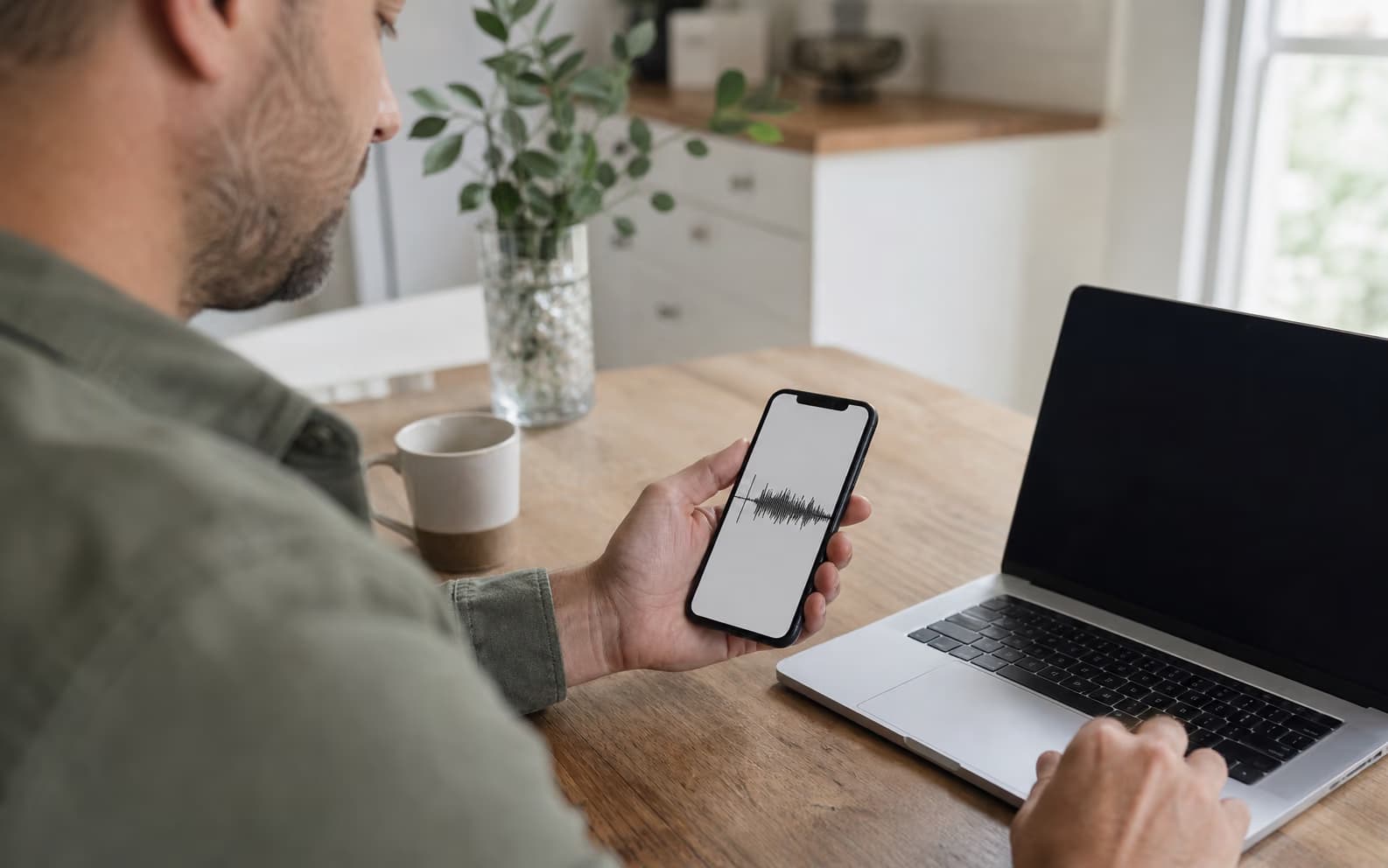
Person importing a smartphone voice memo into a laptop

PHONE-TO-BROWSER

Export the original memo instead of replaying it into another microphone

Share or save the original M4A, AAC, MP3, or WAV file from the phone, then upload that file directly. The Voice Memo Enhancer works from the captured audio and exports a WAV. Re-recording through speakers adds room echo and another layer of compression, making speech recovery harder.

  • Directly import common iPhone and Android audio formats
  • Keep the untouched phone recording as an archive
  • Free mode stays on the current device

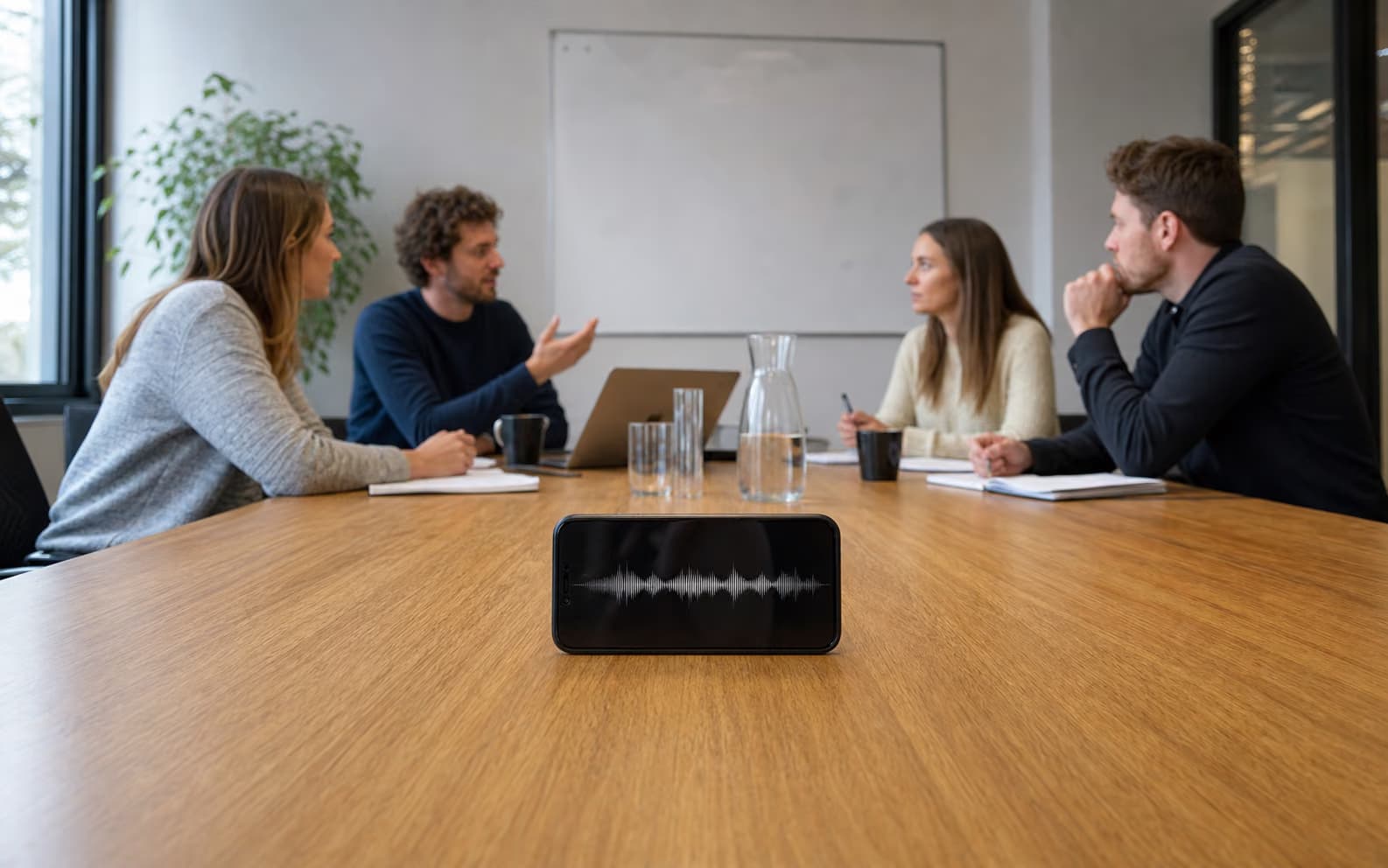
Smartphone recording a meeting from across a conference table

MEETINGS AND LECTURES

Improve a quiet voice memo captured from across the room

A phone placed in the middle of a meeting or lecture often captures distant speech, ventilation, and a wide room sound. The Voice Memo Enhancer can reduce steady interference when the words are still present and improve the perceived speech quality. It cannot invent a name or number the microphone never captured, so check those details against the original memo.

  • Useful for meetings, lectures, interviews, and class notes
  • Best when quiet words remain audible in the original
  • Preserve the source before enhancement or transcription
Person recording a voice memo beside moderate city traffic

OUTDOOR RECORDINGS

Reduce background wash while checking that quiet words survive

Phone recordings near traffic or light wind often contain speech plus a broad layer of noise. Start with the noisiest 5–10 minutes and compare the original against the enhanced version. Constant traffic wash is a better candidate than a horn covering a word; enhancement cannot recreate speech that was fully masked.

  • Best for understandable speech under continuous noise
  • Compare quiet phrases and consonants before download
  • Cannot reconstruct words completely covered by noise
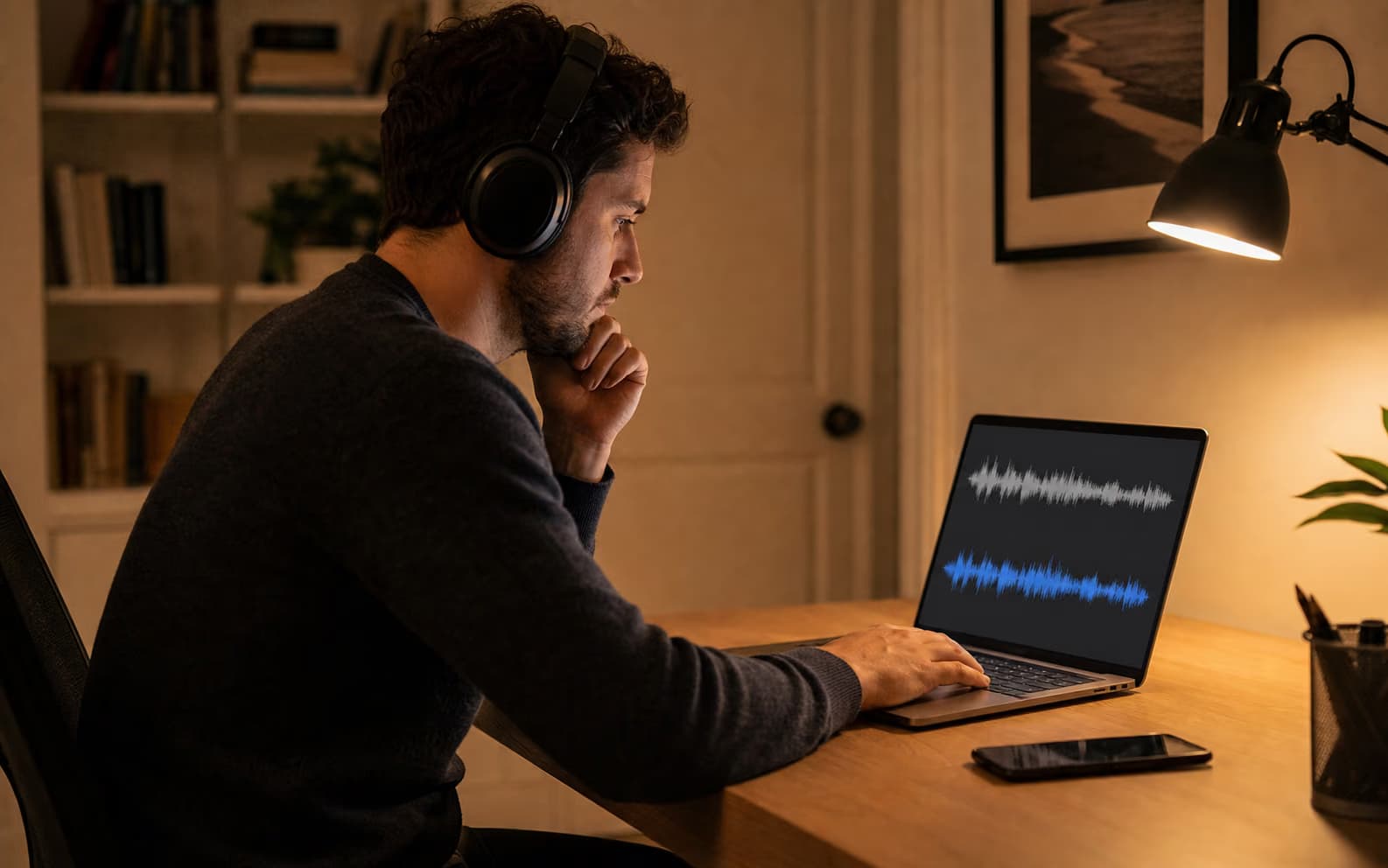
Person privately comparing original and cleaned voice memo audio

PRIVATE LOCAL REVIEW

Test a personal voice memo without uploading it or creating an account

For journals, interview notes, family recordings, and other sensitive clips, the free Voice Memo Enhancer runs up to 10 minutes inside the browser. Compare the original and cleaned result on the current device before deciding whether a longer file can use Pro cloud processing. This directly answers the privacy concern behind searches for a free online voice recorder enhancer.

  • Free sample processing stays in the browser
  • No signup for files up to 10 minutes
  • Pro is optional and clearly identified as cloud processing

What the Voice Memo Enhancer can improve

The Voice Memo Enhancer focuses on intelligible speech inside real phone recordings, not on changing what was said.

Street and room noise

Reduce steady traffic wash, ventilation, hiss, hum, and background ambience beneath understandable speech.

Thin phone-microphone sound

Pro can improve perceptual speech quality, restore some distortion, and extend limited speech bandwidth.

Private local sample

Free mode processes up to 10 minutes in the browser, useful for checking a personal memo without creating an account.

Long meetings and lectures

Pro has no audio duration limit. The recording may be any length when the uploaded file is 300 MB or smaller.

Before you enhance a phone recording

The essential input, privacy, and processing limits in one place.

Strong input
Understandable speech beneath steady traffic, fan, HVAC, hiss, hum, or room noise
Free
Up to 10 minutes · local browser denoise · no signup
Pro
No audio duration limit · cloud enhancement · up to 300 MB
Not included
Speaker separation, transcript verification, or recovery of words completely masked by noise

Phone recordings that fit — and cases that need something else

A Voice Memo Enhancer makes captured speech cleaner; it cannot infer missing speech or certify a transcript.

Strong phone-recording inputs

  • Speech remains understandable beneath traffic wash, HVAC, hiss, or room noise
  • The memo sounds thin, muffled, or compressed but words are still present
  • You can export the original audio file directly from the phone

Still requires another workflow

Problem
Fix
A loud horn or impact fully covers a word
Context review or a new recording
Several speakers need separate tracks
Source separation or multitrack recording
You need searchable meeting notes
Transcription after enhancement
The file is evidence or a legal record
Preserve the original and seek qualified handling

A careful Voice Memo Enhancer workflow

Preserve the original, test a difficult passage, and treat the result as an edited copy.

1

Export the original phone file

Use the phone's share or save action to keep the original M4A, AAC, MP3, or WAV without an acoustic re-recording.

2

Compare a noisy section

Listen to raw and enhanced audio around quiet words, names, numbers, and moments where the noise changes.

3

Use Pro for long recordings

Upload any duration up to 300 MB, let the background job finish, and keep both the original and enhanced WAV.

Voice Memo Enhancer FAQ

Can the Voice Memo Enhancer open iPhone Voice Memos?
Yes. iPhone Voice Memos commonly export as M4A, which is accepted along with AAC, MP3, and WAV. Save or share the original file, then upload it here.
Does it work with Android voice recorder files?
It accepts MP3, WAV, M4A, and AAC. If the recorder uses another container or codec, export or convert a copy to one of those formats first.
Can it remove traffic and wind from a voice memo?
It can reduce continuous background noise when speech remains present. Sudden gusts, horns, impacts, or noise that completely masks a word cannot be reliably reconstructed.
Is a private voice memo uploaded in free mode?
No. Free mode processes up to 10 minutes locally in the browser. Pro is a cloud service, so do not use Pro when the recording cannot leave the device.
Can Pro handle a long lecture or meeting recording?
Yes. Pro has no audio duration limit, while each uploaded file must remain at or below 300 MB. Processing continues as a background job.
Will enhancement make a transcript legally accurate?
No. Enhancement may improve listenability, but it cannot prove uncertain words or replace human review. Preserve the original file when accuracy or chain of custody matters.
What happens if a Pro memo job fails?
The processing time deducted for a failed cloud job is restored automatically. Keep the original file and retry only after checking its format and size.

Test the Voice Memo Enhancer on the noisiest passage

Keep the original, compare the cleaned copy free, and use Pro only when a long recording needs cloud processing.

About this Voice Memo Enhancer

The Voice Memo Enhancer is a speech cleanup tool for iPhone and Android recordings, including interviews, meeting notes, lectures, ideas, and personal memos. Free mode processes up to 10 minutes locally. Pro cloud mode accepts any audio duration up to 300 MB, combines denoising with higher-quality speech enhancement, and restores time if a job fails. It cannot recover words completely masked by noise, separate speakers, certify a transcript, or replace preservation of the original recording.