
AI Voice Enhancer OnlineClearer speech, without changing your voice

Reduce background interference around an already audible speaker. Free up to 10 minutes, no signup, and processed on your device.
Built for Spoken VoiceAudio Stays on Your DeviceMP3, WAV, M4A, AAC

Enhance a voice recording

MP3, WAV, M4A, AAC — up to 10 minutes

No Signup Needed

Choose a spoken audio file to start

On-device AI

Voice clarity preview

Speech-focused noise reduction with before-and-after playback

Speech enhancement model

Original voice

Enhanced voice

Choose a spoken audio file to start

Reduce interference

Keep the voice

Export WAV

The answers you need before uploading

A focused speech tool with clear limits — not a mystery audio filter.

Will it change my voice?

No. It reduces background interference; it is not a voice changer or voice-cloning tool.

Is my audio uploaded?

No. The free workflow runs in your browser, so the recording stays on your device.

What works best?

One clearly audible speaker with steady noise that is quieter than the voice.

What do I download?

A 16-bit, 16 kHz mono WAV file, ready to preview before you keep it.

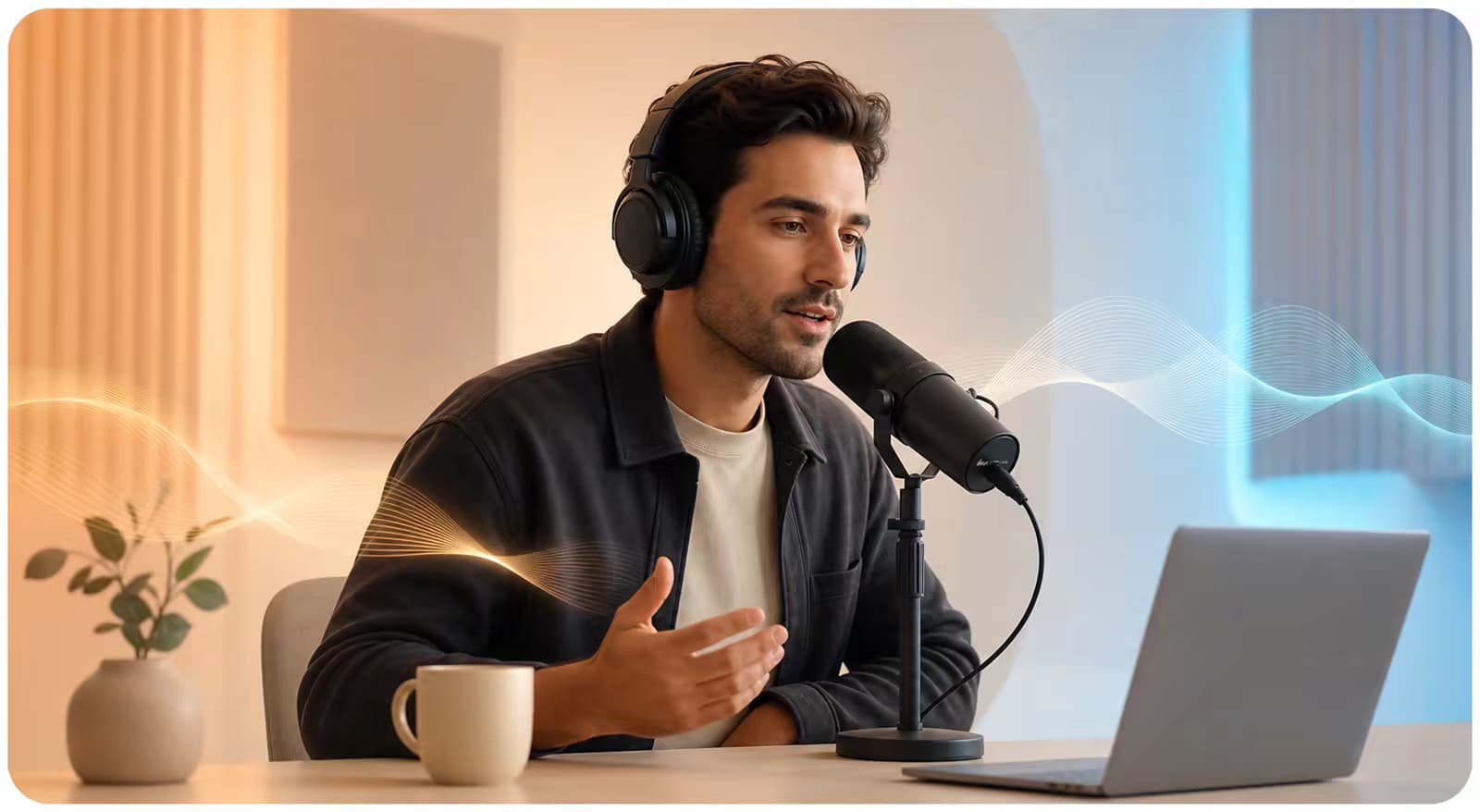
A creator recording spoken narration at a desk microphone in a calm home studio

BUILT FOR SPOKEN AUDIO

Make a useful recording easier to follow

The model focuses on speech denoising. It can reduce steady interference around a voice that is already captured clearly enough to understand.

  • Voice memos, interviews, meetings, lectures, and narration
  • Best when one main speaker is clearly audible
  • Original and enhanced playback before download
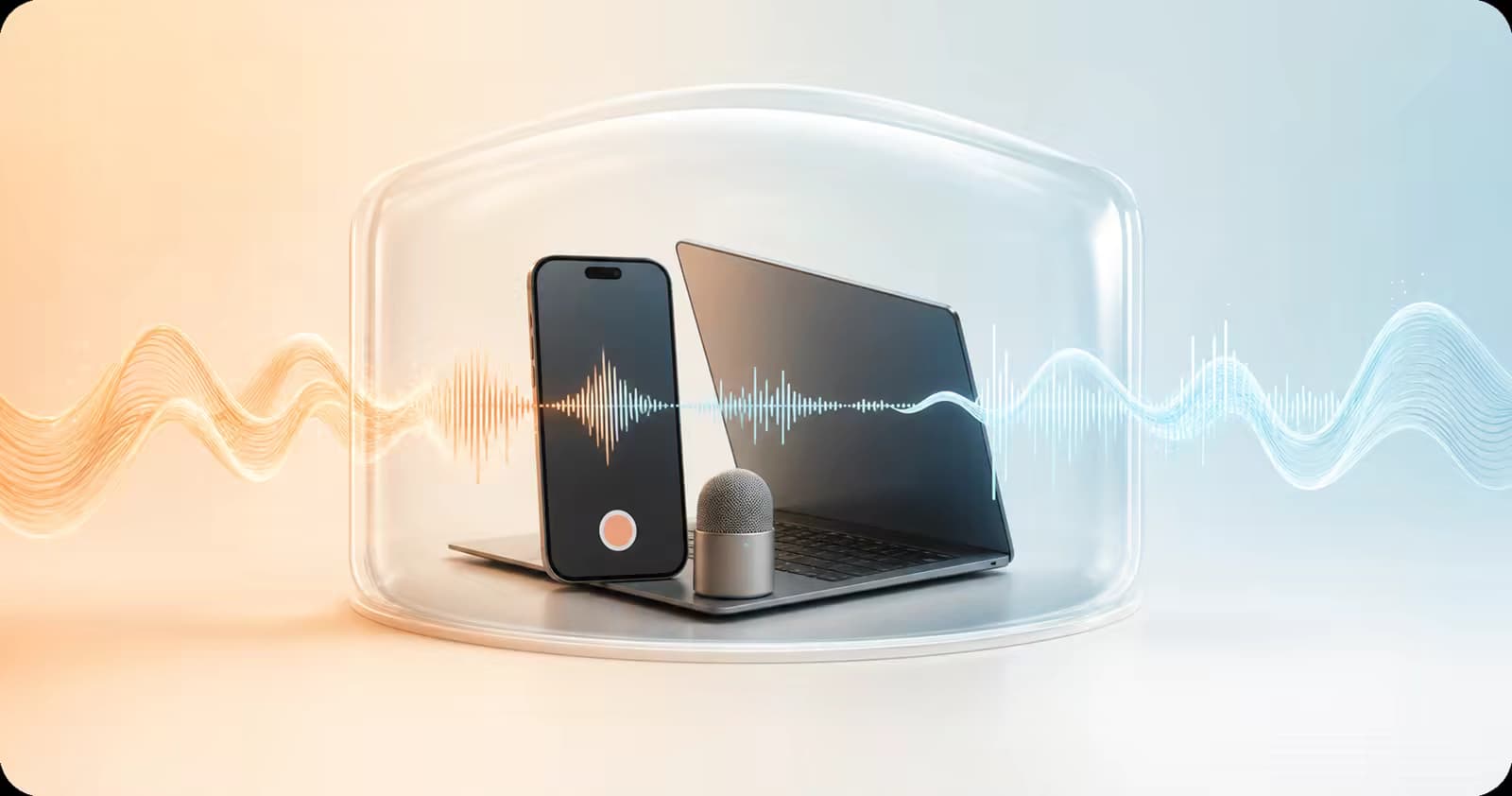
A phone, laptop, and microphone protected inside a transparent enclosure representing private on-device processing

PRIVATE BY DESIGN

Your recording stays inside the browser

There is no audio upload in the free workflow. Your browser downloads the model, processes the file locally, and creates the WAV result on your device.

  • No account or server upload
  • MP3, WAV, M4A, and AAC input up to 10 minutes
  • Multichannel audio is mixed to mono for processing

Know when voice enhancement will help

It removes distraction; it cannot recreate audio the microphone never captured.

A good fit

  • One main speaker is already understandable
  • Fan, AC, hiss, hum, or steady room noise sits behind the voice
  • You want a cleaner clip before editing, sharing, or transcription

Use a different tool for

Problem
Fix
Strong echo or reverb
A dedicated dereverb model
Clipping or missing detail
Declip or audio-repair tools
Music or overlapping voices
Source separation or manual editing

Enhance a voice in three steps

No DAW, plugin, or account required.

1

Choose your recording

Add an MP3, WAV, M4A, or AAC file up to 10 minutes.

2

Process on your device

The browser runs the speech model locally and reduces background interference.

3

Compare and download

Listen to both versions, then download the mono WAV result if it sounds better.

AI Voice Enhancer FAQ

What does this AI voice enhancer do?
It runs a speech-denoise model in your browser to reduce distracting background interference around an already audible voice.
Will it change how my voice sounds?
It is not designed to change identity, accent, pitch, or speaking style. Difficult recordings can still sound processed, so compare both versions before downloading.
Can it fix muffled or distant speech?
Only when background noise is the main reason speech is hard to follow. It cannot restore frequencies or words that were not captured.
Which files can I use?
Use a browser-decodable MP3, WAV, M4A, or AAC recording up to 10 minutes. Output is a 16-bit, 16 kHz mono WAV file.
Is my voice recording private?
Yes. The free workflow processes the audio locally in your browser without uploading the file to our servers.
Can I use it for music or singing?
No. This workflow is tuned for spoken audio, not music mastering, singing enhancement, or source separation.

Make your spoken recording easier to understand

Process it privately, compare both versions, and keep the result only when it sounds better.

About the free AI voice enhancer

This browser-based AI voice enhancer reduces background interference in spoken recordings up to 10 minutes and exports a mono WAV result. It is designed for speech denoising, not voice changing, music mastering, dereverb, or damaged-audio repair.