Podcast Audio EnhancerClean the recording without rebuilding the episode

Use the Podcast Audio Enhancer to reduce background noise and improve speech quality in solo shows, remote interviews, and guest recordings. Test up to 10 minutes free in your browser, or use Pro for any audio duration up to 300 MB.
Full Episodes — No Pro Duration LimitFree 10-Minute Private TestMP3, WAV, M4A, AAC In → WAV Out

Run the Podcast Audio Enhancer

MP3, WAV, M4A, AAC — free up to 10 minutes

Free Browser Test

Choose a podcast audio file to begin

On-device Preview

Podcast Audio Enhancer preview

Speech denoising and voice-quality enhancement

Speech-focused model

Choose a podcast audio file to begin

Reduce noise

Enhance speech

Export WAV

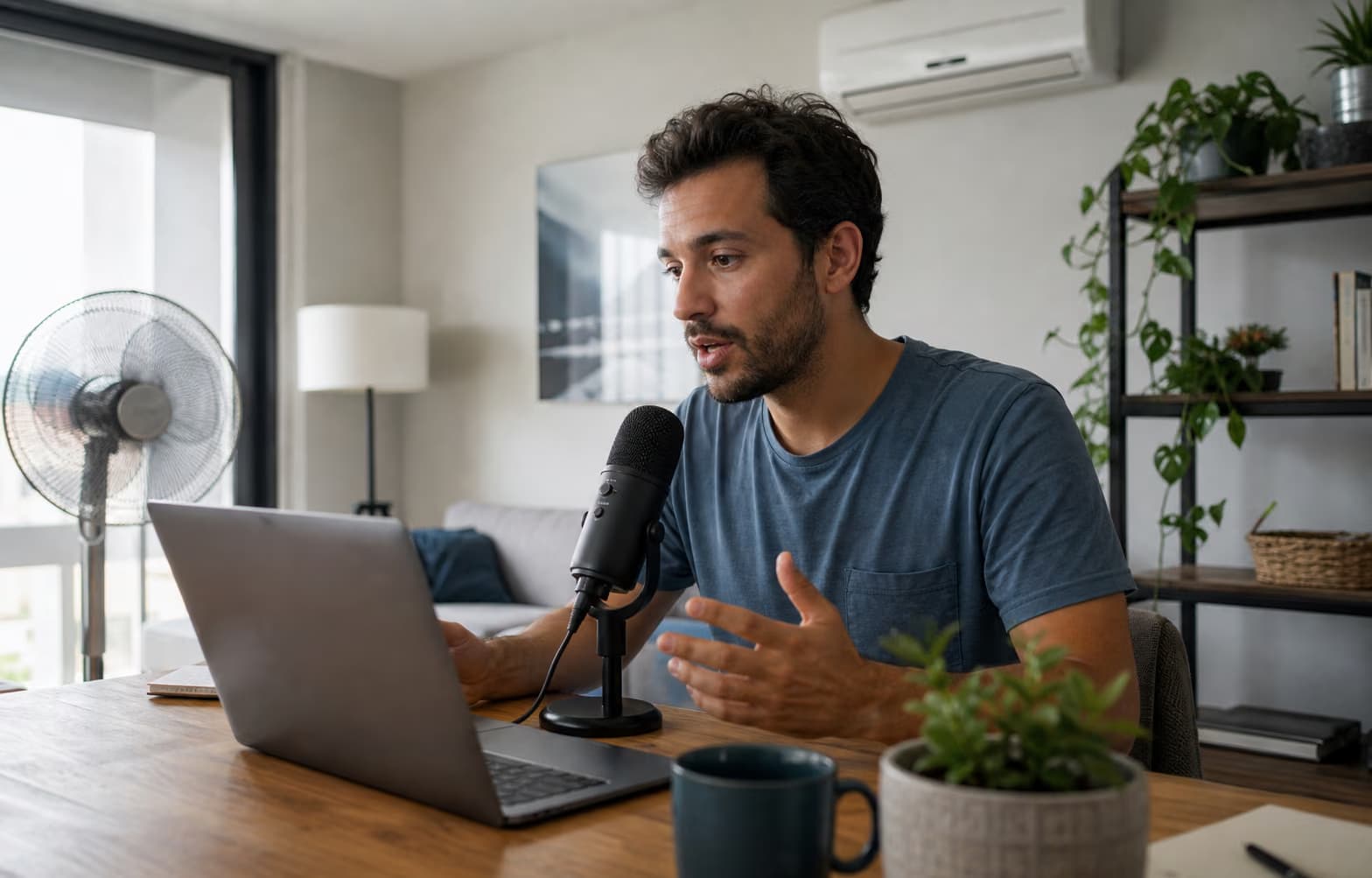
Remote podcast guest recording near a fan and air conditioner

REMOTE GUEST RECORDINGS

Clean the guest track that arrived with fan noise and codec damage

A remote guest may deliver useful speech with laptop fan noise, room tone, or compressed call artifacts. The Podcast Audio Enhancer separates speech from steady interference, then Pro applies a second enhancement stage that can improve perceptual quality. Process isolated guest tracks separately when possible; a mixed track cannot rebalance one speaker against another.

  • Best when each host or guest has a separate file
  • Useful for fan, HVAC, hiss, hum, and stable room noise
  • Overlapping speakers are not separated into new tracks
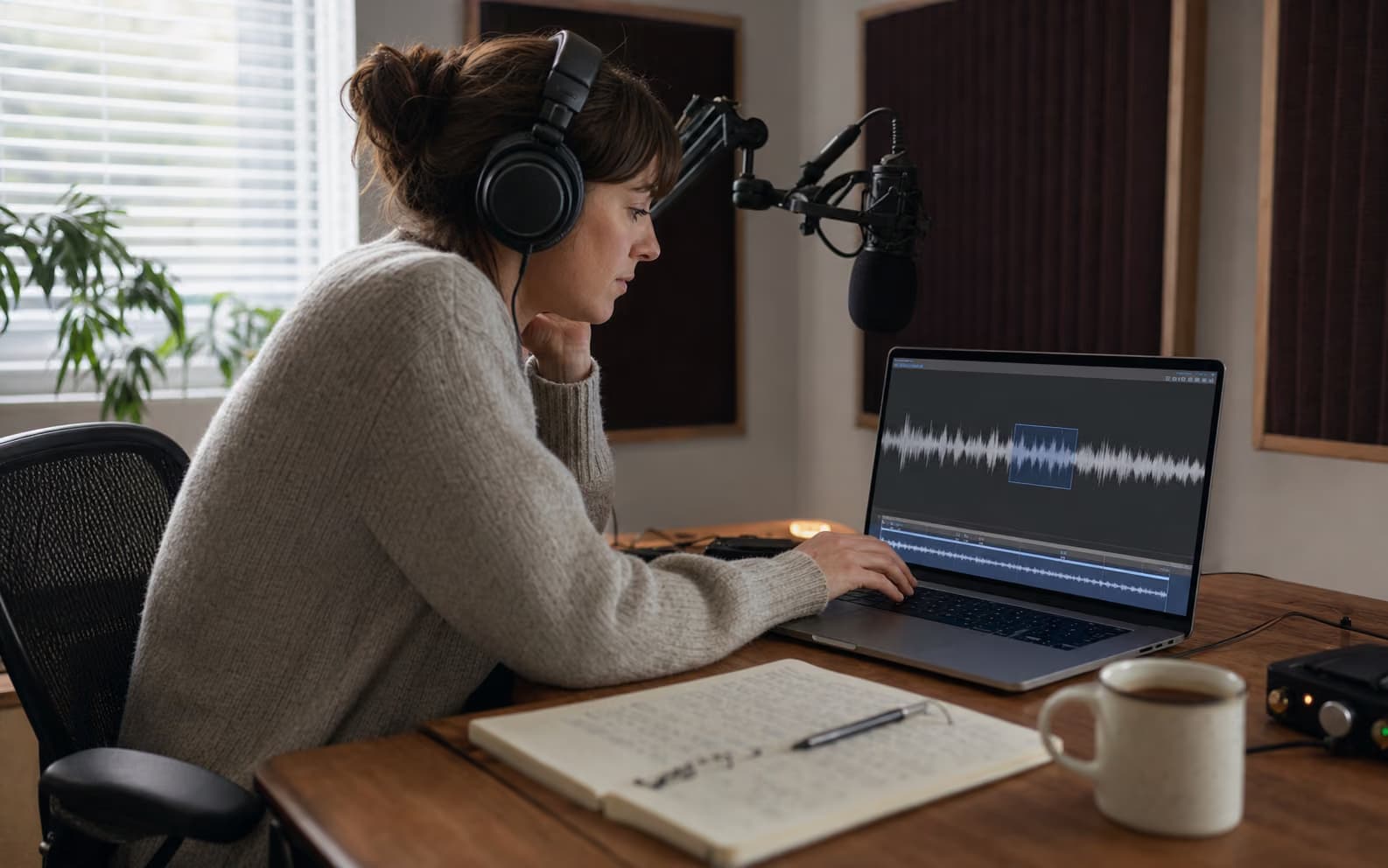
Podcast editor selecting a difficult excerpt for a free enhancement test

FREE ONLINE SAMPLE

Test the hardest podcast excerpt before uploading a full episode

A five-minute section with the noisiest guest, quietest words, and strongest consonants tells you more than an easy intro. Run that excerpt through the free Podcast Audio Enhancer in your browser, then compare raw and cleaned playback. This gives creators looking for a free online podcast audio enhancer a meaningful quality check without an account or a full cloud upload.

  • Free local processing for excerpts up to 10 minutes
  • No signup before the first quality check
  • Test the weakest guest and noisiest passage
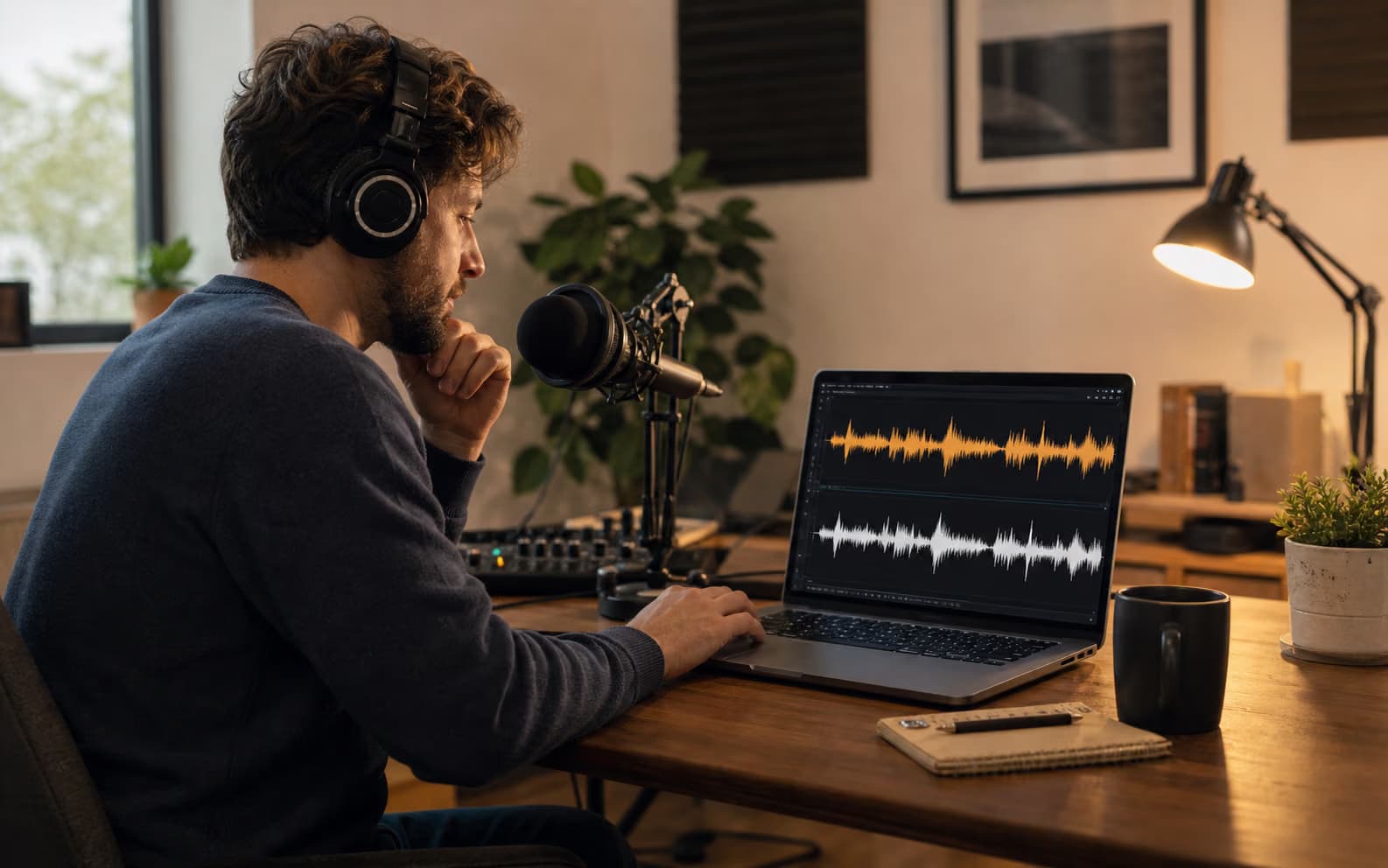
Podcast producer comparing raw and enhanced episode waveforms

FULL-EPISODE CONTROL

Test a representative excerpt before spending time on the full episode

Run the free Podcast Audio Enhancer on a difficult 5–10 minute section first. Check breaths, consonants, laughter, and the guest's vocal identity. If the result holds up, switch to Pro for the complete file. Pro processing continues in the background, has no duration limit, and automatically restores deducted processing time if the cloud job fails.

  • Free local test before a long cloud job
  • No Pro duration limit within the 300 MB upload size
  • Original and enhanced playback before download
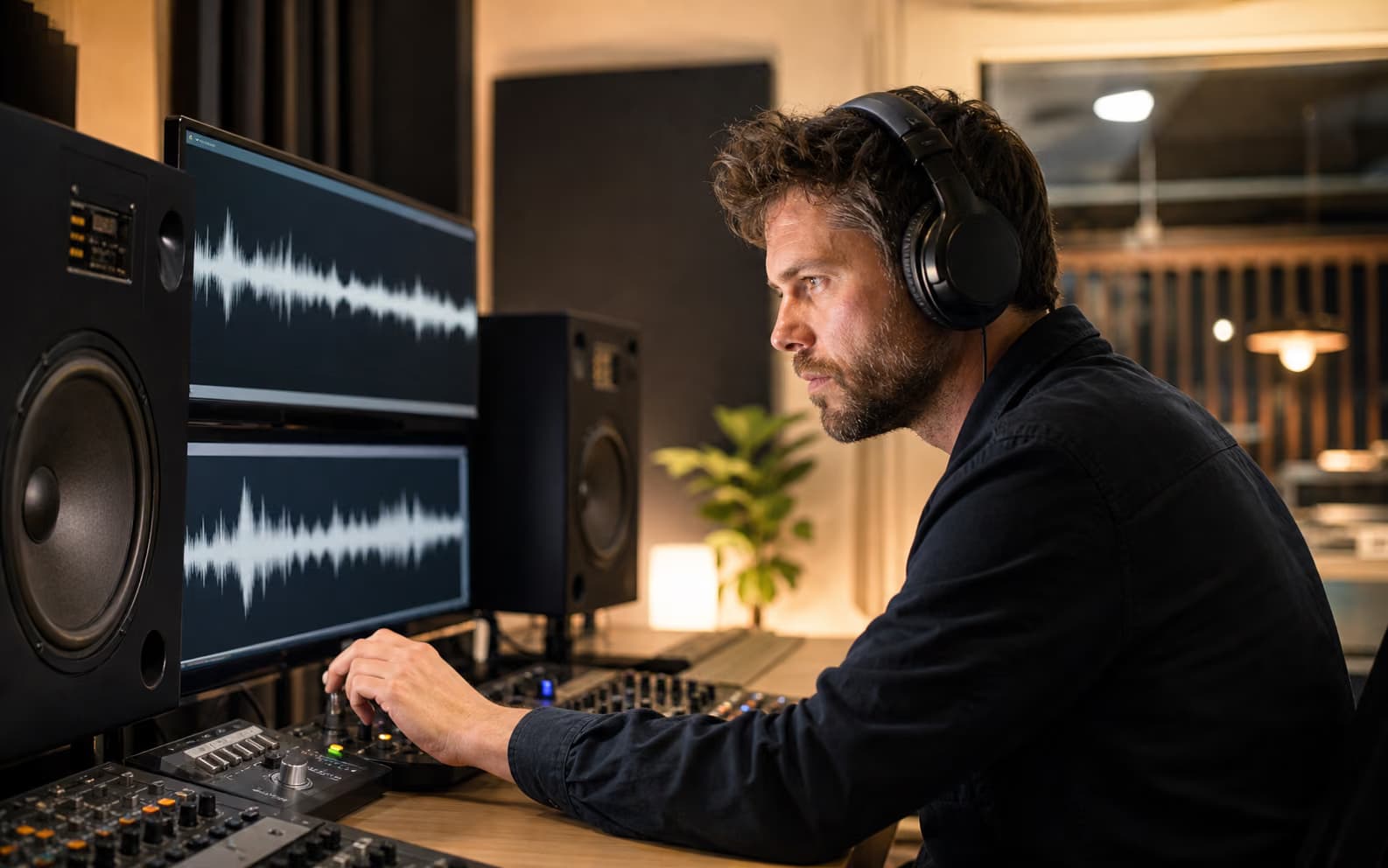
Podcast producer listening closely for enhancement artifacts

NATURAL VOICE CHECK

Keep the guest recognizable instead of chasing an artificial studio sound

Noise can fall while a voice becomes metallic, over-smoothed, or less recognizable. The enhancer keeps original and enhanced playback together so you can judge S sounds, laughter, breaths, and vocal texture before publishing. That comparison matters when evaluating an AI podcast audio enhancer or an alternative to one-click studio-sound tools.

  • Compare vocal identity as well as noise reduction
  • Listen closely to sibilants, laughter, and quiet speech
  • Keep the original recording for a non-destructive workflow

What the Podcast Audio Enhancer actually changes

This workflow focuses on the recorded speech itself, not unrelated editing features.

Persistent recording noise

Reduce fan, HVAC, microphone hiss, electrical hum, and steady room noise under a clearly recorded host or guest.

Thin or degraded speech

Pro enhancement can improve perceptual speech quality, restore some recording distortion, and extend speech bandwidth.

Naturalness check

Compare raw and enhanced podcast audio before download so metallic consonants or changed vocal texture do not slip into an episode.

Complete episode processing

Pro has no audio duration limit. A single podcast upload can be any duration as long as the file is 300 MB or smaller.

Before you enhance a podcast recording

The essential input, privacy, and processing limits in one place.

Strong input
Understandable speech beneath steady fan, HVAC, hiss, hum, or room noise
Free
Up to 10 minutes · local browser denoise · no signup
Pro
No audio duration limit · cloud enhancement · up to 300 MB
Not included
Speaker separation, LUFS mastering, filler-word editing, or recovery of missing words

Podcast problems this tool should — and should not — handle

A Podcast Audio Enhancer can clean captured speech; it cannot replace missing words or perform a complete podcast edit.

Strong inputs for speech enhancement

  • The host or guest is already understandable beneath steady background noise
  • Speech sounds thin, bandwidth-limited, or degraded but is not completely missing
  • Each speaker is available as a separate track or speakers rarely overlap

Still requires another workflow

Problem
Fix
Host and guest have different volume
Speaker leveling or multitrack mixing
Long pauses, filler words, or mouth clicks
Timeline or transcript editing
Target podcast loudness
LUFS measurement and mastering
Two people speak at once
Source separation or manual edit

A safer Podcast Audio Enhancer workflow

Evaluate the hardest section before committing the complete podcast recording.

1

Choose a difficult excerpt

Upload 5–10 minutes containing the guest, noise floor, breaths, and consonants that matter most.

2

Listen for artifacts

Compare the raw and enhanced versions, especially sibilants, laughter, quiet words, and speaker identity.

3

Process the full episode with Pro

Upload any duration up to 300 MB, let the background task finish, then download the enhanced WAV.

Podcast Audio Enhancer FAQ

Can the Podcast Audio Enhancer process a full episode?
Yes. Free browser processing is limited to 10 minutes, while Pro has no audio duration limit. Each Pro upload must be 300 MB or smaller.
Does the Podcast Audio Enhancer normalize podcast loudness?
No. It performs speech denoising and enhancement, but it does not measure integrated LUFS, set a true-peak ceiling, or level one speaker against another.
Should I upload a mixed episode or separate speaker tracks?
Separate tracks are safer because each speaker and noise floor can be evaluated independently. A mixed file can be enhanced, but overlapping voices cannot be separated or rebalanced.
Can it remove remote-call compression artifacts?
Pro enhancement can improve some speech distortion and bandwidth loss, but it cannot recreate words or detail that the call never captured. Test a difficult excerpt first.
Will it remove breaths, mouth clicks, and filler words?
No. Those are event-based editing tasks. This Podcast Audio Enhancer focuses on continuous background interference and perceptual speech quality.
Is the free podcast test private?
Yes. The free 10-minute mode processes the audio in your browser. Pro uploads the file for cloud processing and keeps the job linked to your signed-in account.
What happens if a Pro podcast job fails?
The processing time deducted for a failed cloud job is restored automatically, so you do not pay for an incomplete enhancement.

Test the Podcast Audio Enhancer on the hardest section

Compare the result free, then use Pro for the complete episode only when the voice remains natural.

About this Podcast Audio Enhancer

The Podcast Audio Enhancer is a speech-focused podcast cleanup tool for solo episodes, remote interviews, and guest recordings. Free mode runs locally for clips up to 10 minutes. Pro cloud mode has no audio duration limit, accepts files up to 300 MB, applies denoising and higher-quality speech enhancement, and returns processing time automatically when a job fails. It does not replace multitrack mixing, speaker leveling, LUFS mastering, filler-word editing, or source separation.